Family
- One calendar for the whole household
- School runs and dinners, with who they're for
- Shared goals, with reminders on every phonePro
Day planner for iPhone
Syncday lays your day out in blocks of time, keeps what's on now in view, and shares the plans that matter with your family, your team or your club.
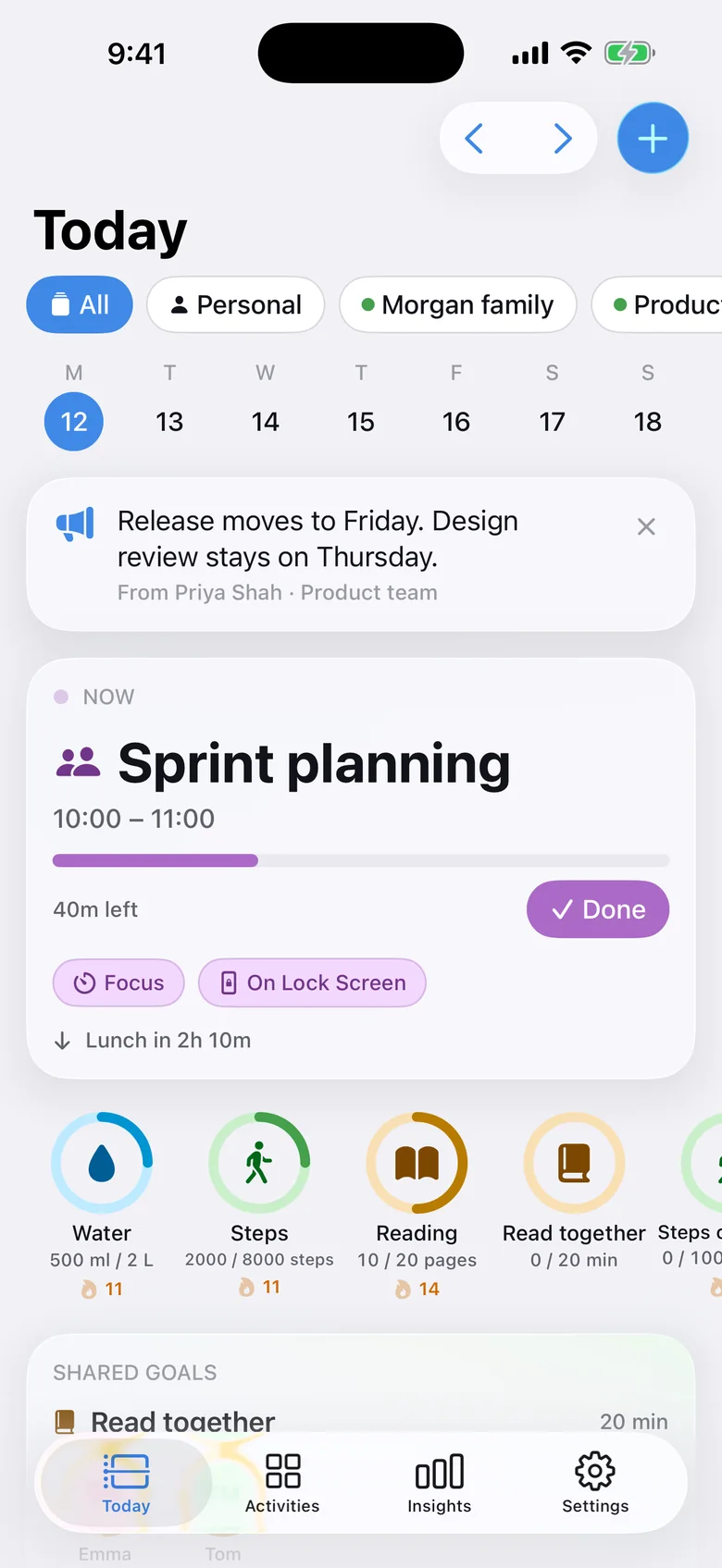
One person, or fifty.Plan just for you, or share the day with a whole group.
Not only in the app.Widgets, the Lock Screen and the Dynamic Island.
No ads. No tracking.Your plans are yours, and stay that way.
Your day
What's on, how much of it is left and what comes after. Mark it done, skip it or start a focus session.
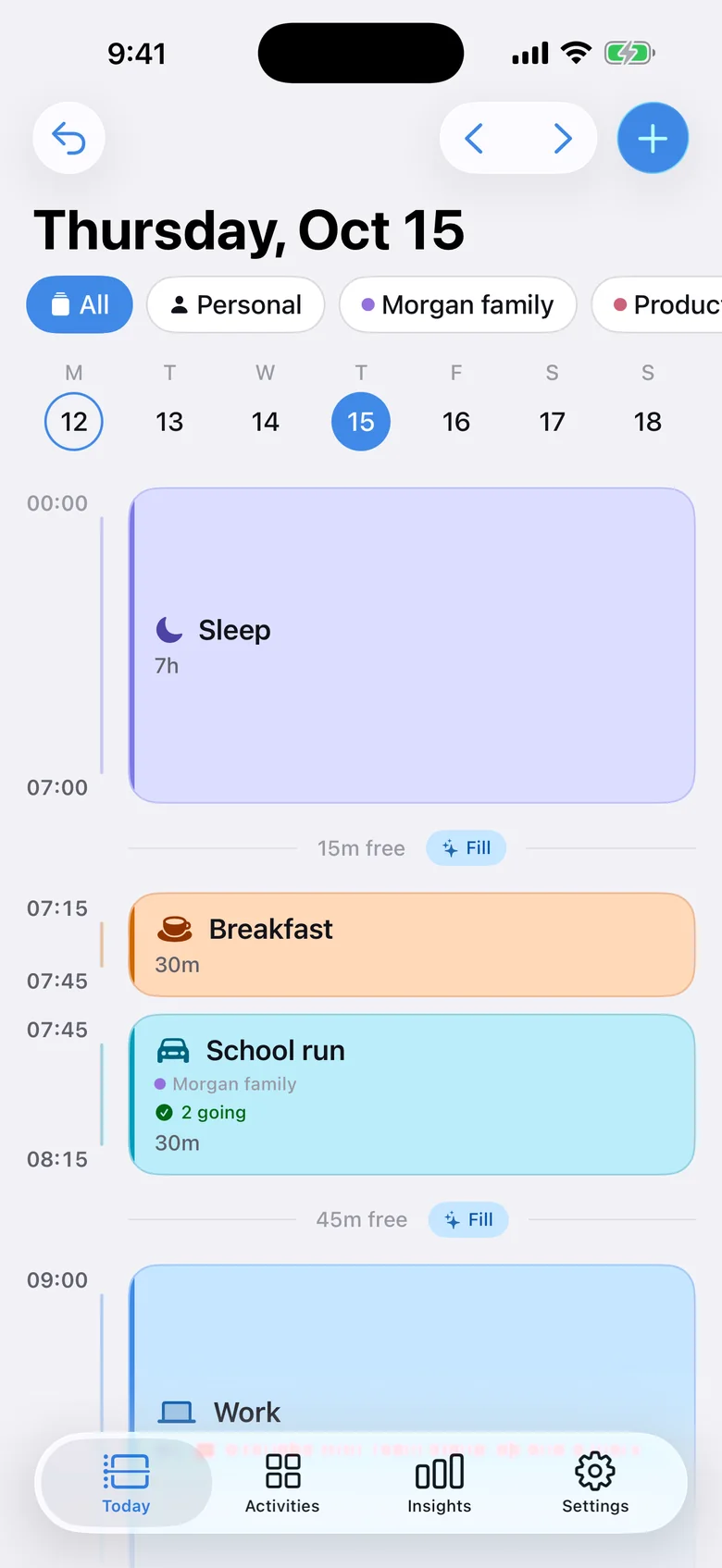
Gaps show up sized to the minute. Tap Fill for what usually fits, and carry over yesterday's unfinished plans.Pro
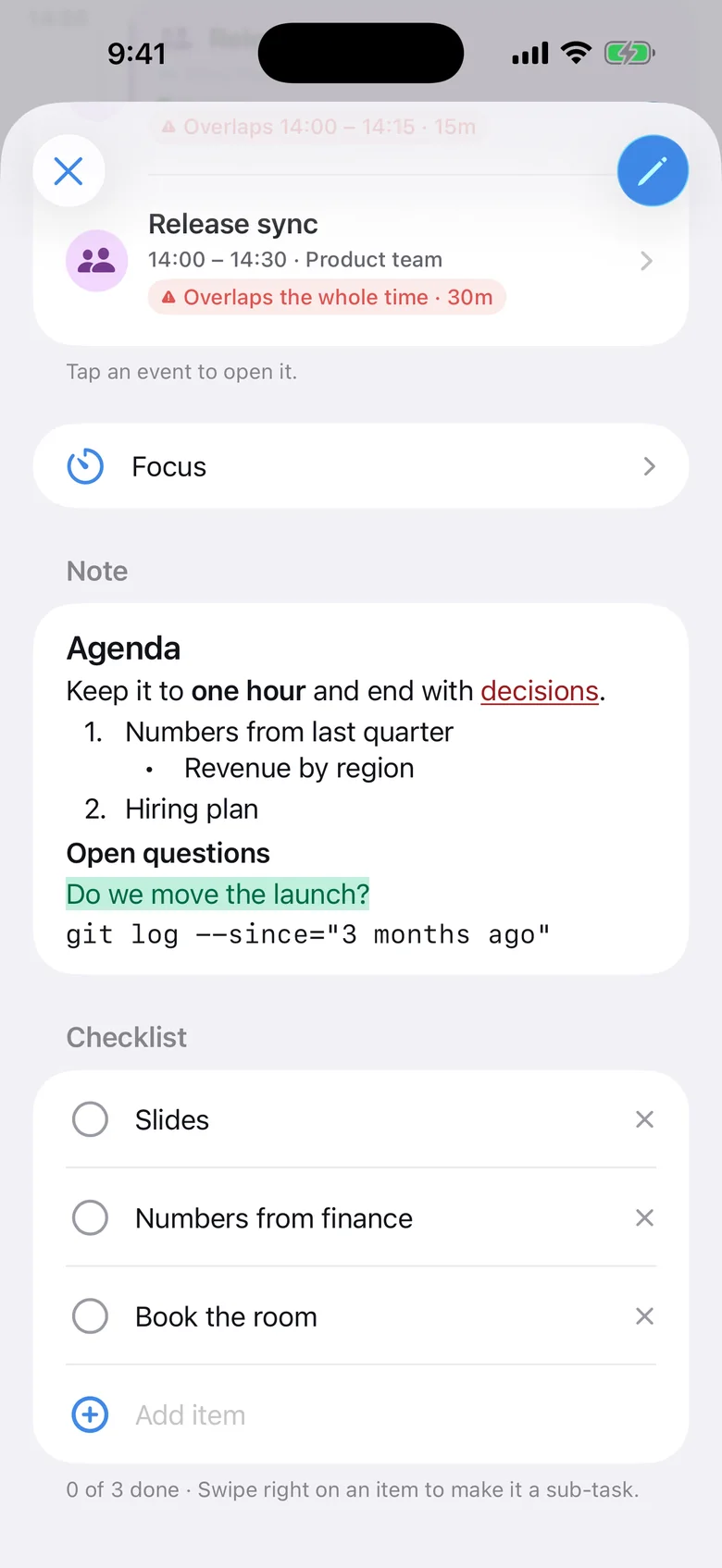
A proper brief with headings, lists, colours and code, and a checklist with sub-tasks.
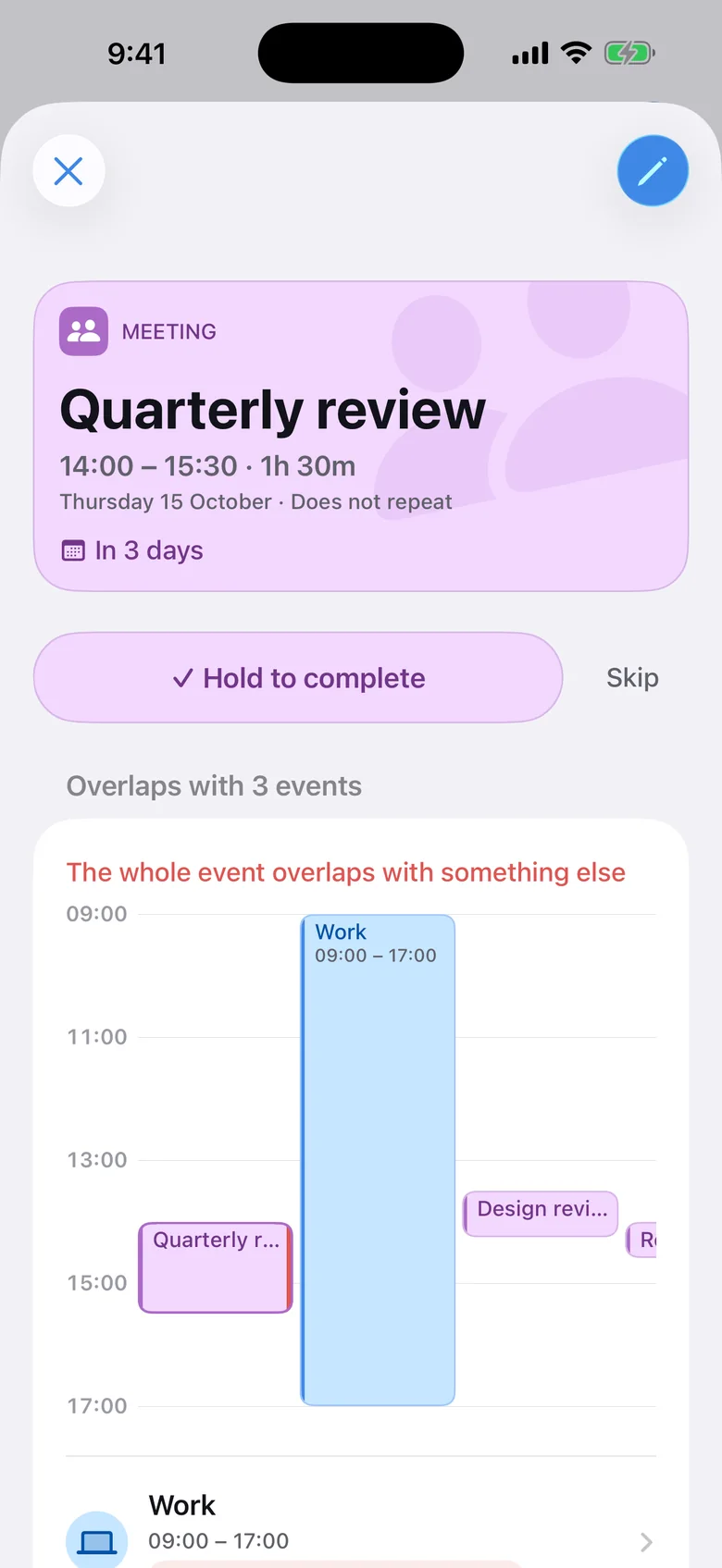
When plans overlap, the event shows which ones and by how long, on a little timeline.
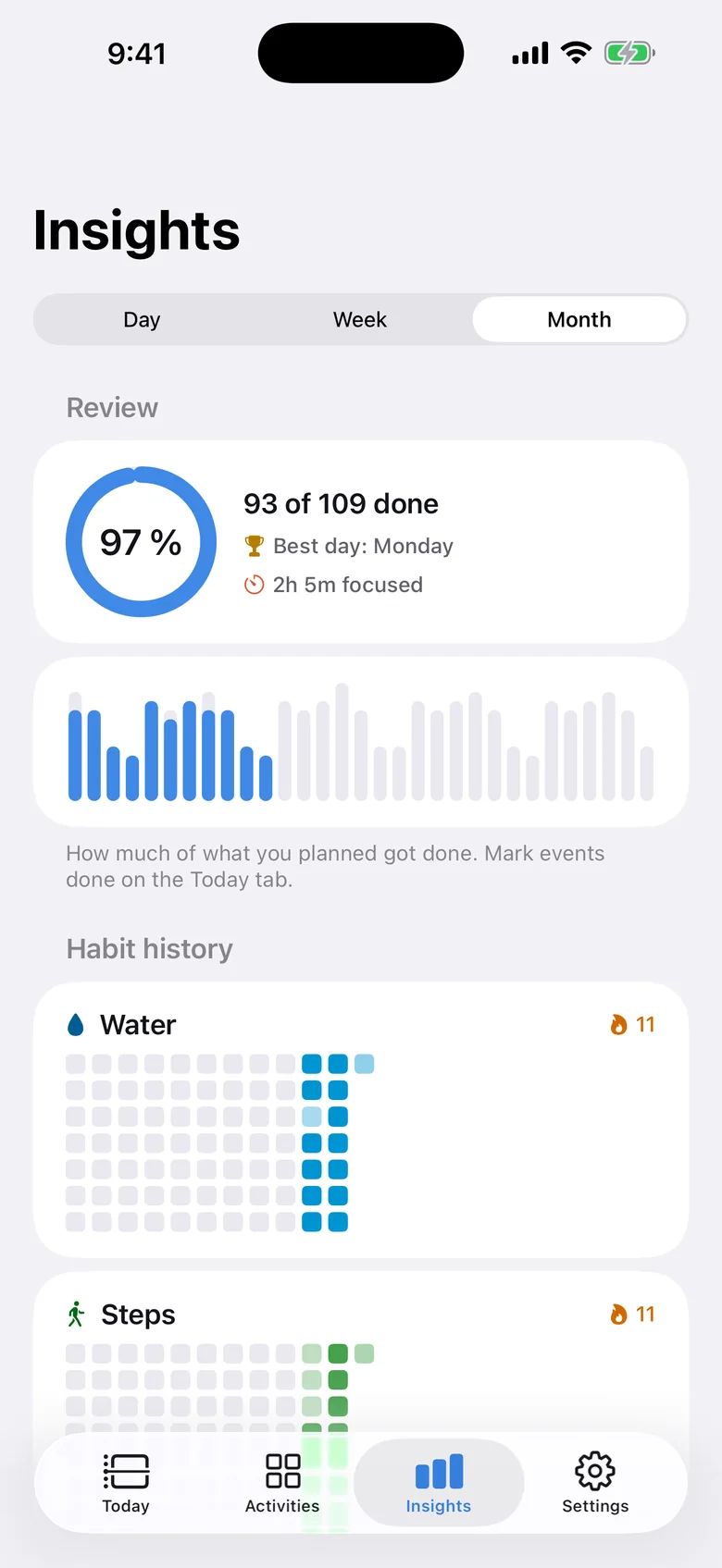
What got done, your best day, time spent in focus and a streak for every habit.Pro
Together
Start a group for your family, your team or your club. Its plans sit next to everyone's own, and private plans stay private: at most, a team sees that you're busy, never what you're doing.
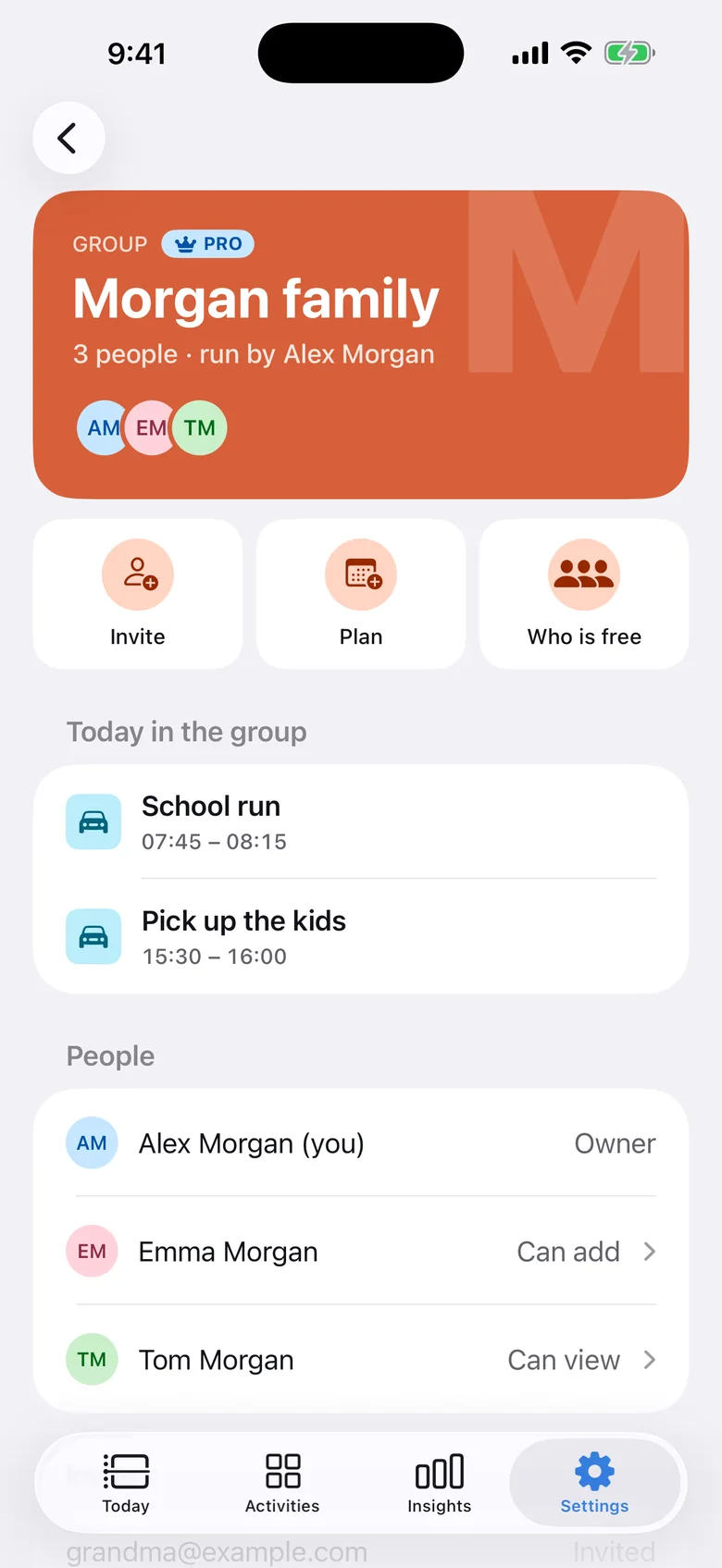
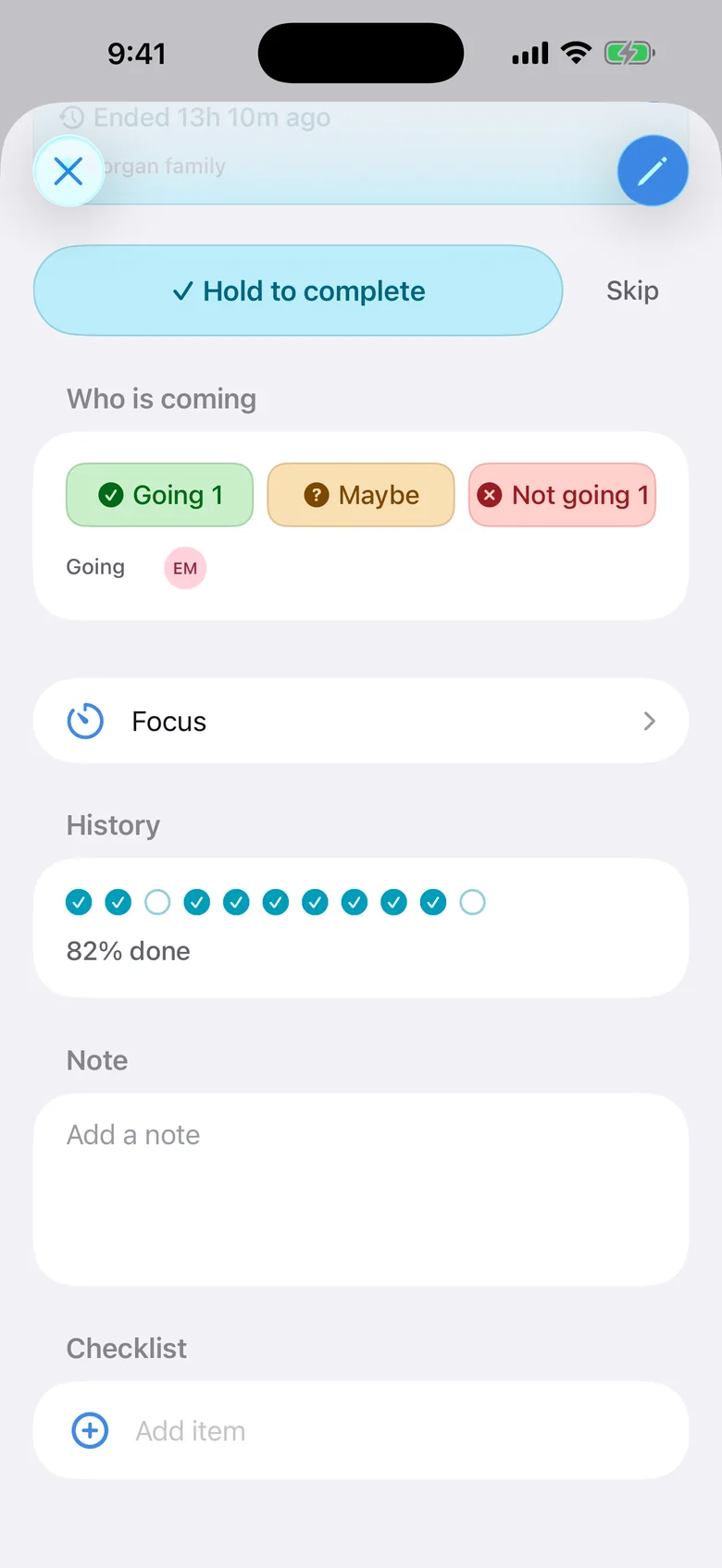
You choose who can add events: everyone, chosen people, or only you. Invite anyone with a link.
Who it's for
A class, a bakery and a running club have little in common, until someone asks what's happening on Saturday. Here's how each of them could run on Syncday.
Anything with people, times and a list of things to do will fit.
Call times for the crew, and a checklist for every scene.
Fittings, rehearsals and who's collecting whom from the station.
Bins, rent day and whose turn it is to cook.
Sessions in the calendar, and a focus timer to keep to them.
Rehearsals, gigs and who can actually make the Friday slot.
Volunteer shifts by name, and late news sent to everyone at once.
Focus
Start a focus session from any plan. Rounds and breaks count down on the Lock Screen and in the Dynamic Island, so the phone can stay face down.Pro
25 minutes on, 5 off, a longer break every fourth round. Or run straight to the end of the plan.
Lock Screen widgets show the plan that's on now, or the next one.
Monday 12 October
9:41
Widgets
Home Screen widgets show what's on now and what comes next. The Habits widget keeps water and daily goals in sight.
Small, medium and large on the Home Screen, plus Lock Screen widgets for the plan that's on now.
And the rest
Before a plan starts, when it ends, or a week ahead. Quiet hours keep the nights silent.
What the day holds, over breakfast. In the evening, a check-in on how it went.
Daily, on weekdays, every other week or monthly, and change a single day without touching the rest.
Sleep, work, gym: each with its own icon and colour, reused across your week.
Classic, Midnight, Paper, Forest or Rose, with any accent colour, in light and dark.
No ads and no trackers. Delete your account in the app, and your data goes with it.
Pricing
0 Kč
Everything you need to plan your own day.
799 Kča year
That's 67 Kč a month.
1 990 Kča year
That's 166 Kč a month.
Prices in Czech crowns; the App Store shows yours in your own currency. A group's owner pays, and everyone in the group gets its Pro features. Pro groups hold up to eight people; Team takes them to fifty.
Yes. Planning your day, notes, checklists, your iPhone calendars, three habits, the focus timer, widgets and one group of up to three people are free for good. Pro adds unlimited habits, day templates, Lock Screen timers, smarter planning and bigger groups.
No. The person who owns the group pays, and everyone in it gets the group's Pro features, like who's coming, announcements and team availability. With Family Sharing, up to five people in your Apple family get all of Pro too. Groups bigger than eight people need Team.
No. Syncday is made for iPhone, so it can live in your widgets, on the Lock Screen and in the Dynamic Island.
Your plans sync to your account, so they're there on any iPhone you sign in on. There are no ads and no tracking, and deleting your account in the app deletes your data. The privacy policy has the details.
Syncday is coming soon to the App Store. Questions in the meantime? Write to support@getsyncday.com.